


V-SIM 7.0
V-SIM is a state-of-the-art simulation program for reconstructing traffic accidents. It combines cutting-edge physics and numerical modeling in a 3D environment and takes into account the interaction between people, the environment, and vehicles. V-SIM allows you to analyze vehic...
Turnkey supply, installation and training · Service across Ukraine
- reconstructing traffic accidents
- the design of vehicles and their components, and the analysis of potential modifications
- road construction
- education and research
- reconstructing falls from heights and workplace accidents, as well as biomechanical injuries.
- 3D Motion Environment Simulation
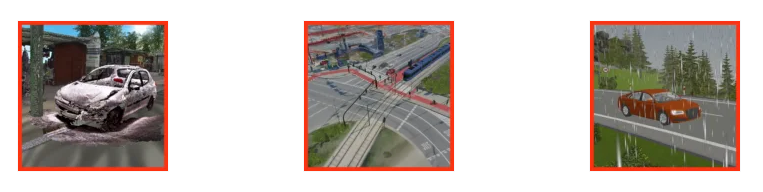 Effectively utilize data collected using various measurement technologies and publicly available data. Import and integrate point clouds, Google Maps, WMS data, geoportal data, or photos. Use built-in drawing tools and object libraries.
- Adding Modeling Objects
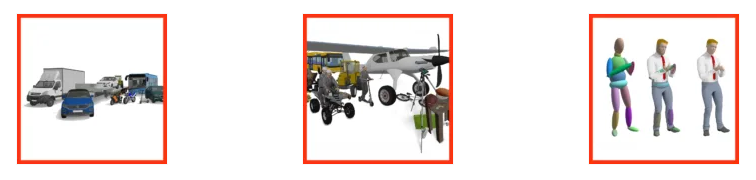 Select any vehicle from a technical database containing over 21,000 vehicles. Add kinematic objects from built-in or external libraries. Use the MULTIBODY model to simulate the behavior of a human body, bicycle, or scooter. Use a customizable human body silhouette to animate movement.
- Simulation and Analysis of Scenarios
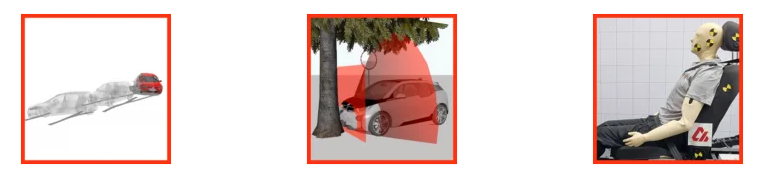 Configure the characteristics of the simulation object and motion parameters. Define the task. Select a collision model and its parameters. Support your analysis with driver models, optimizers, video synchronization tools, and EDR data.
- Results visualization
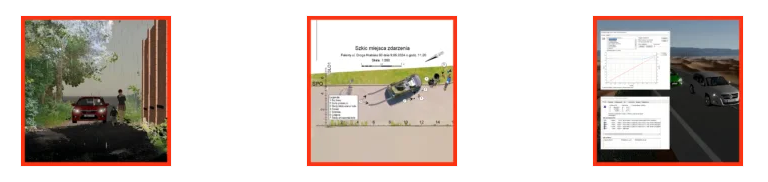 Create 2D/3D simulations of events in video format. Easily generate situation sketches, screenshots, and data on the motion and state of objects at key points in time. You can automatically generate a report based on the completed simulation.
Technical specifications
- Manufacturer
- Cybid
- Directions
- Forensics and special equipment
- Industries
- Forensics
- Type
- Equipment
Customer reviews
There are no reviews for this product yet. Have a question about operation or configuration? A specialist will reply within 24 hours.
Purchase, delivery and warranty terms
How to order?
Click “Price request” and leave your contacts. A manager will clarify the configuration, prepare a commercial offer and answer technical questions within 24 hours.
Delivery and supply
Direct supply from the manufacturer, no intermediaries. Lead time depends on the configuration and is fixed in the offer; we deliver across Ukraine.
Warranty and service
Manufacturer's warranty on the equipment. Installation, qualification and staff training; a service engineer responds within 48 hours.
Procurement documents
Commercial offer with and without VAT, contract specification. CE, ISO, IVD certificates, declarations of conformity and user manuals.
Frequently asked questions: V-SIM 7.0
No questions yet — ask yours via a request.